
សេចក្តីផ្តើម
The BOBLOV W4 2K Mini Body Camera is a compact and lightweight wearable camera designed for capturing personal moments in high-resolution 2K video. Its user-friendly design, including one-click recording and versatile wearing options, makes it suitable for various daily activities. This manual provides essential information for setting up, operating, and maintaining your W4 camera.
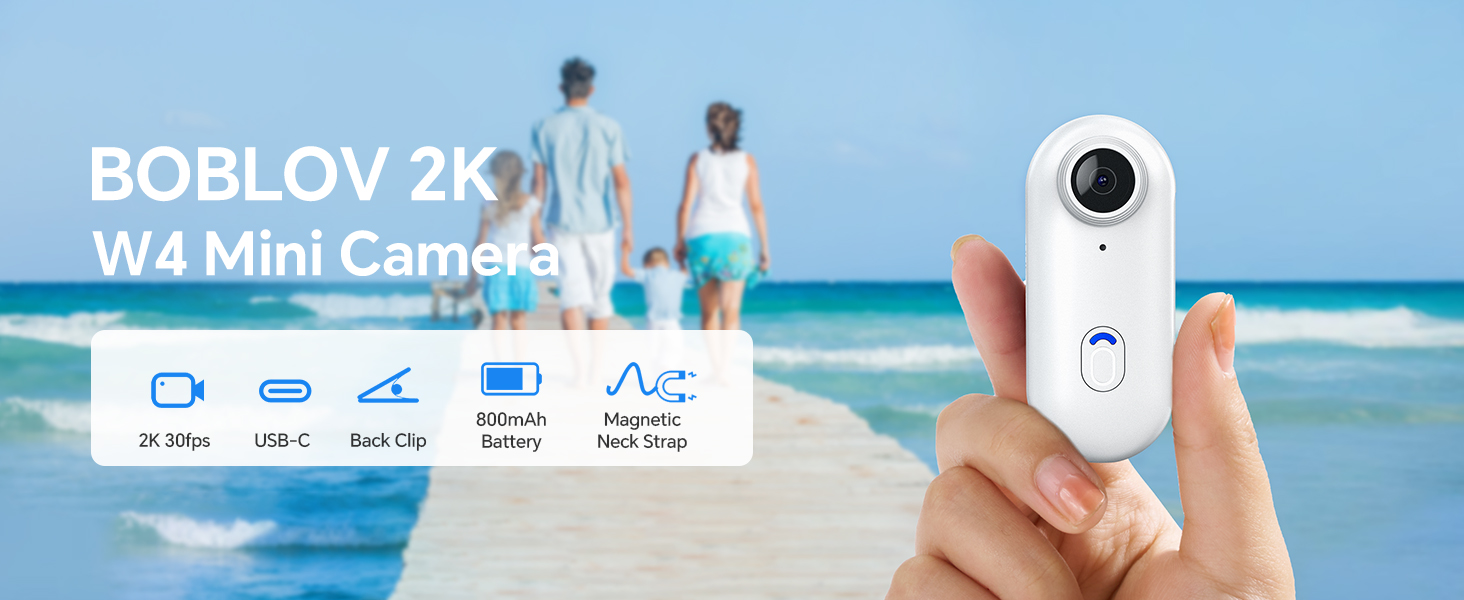
Image: The BOBLOV W4 2K Mini Body Camera, shown in a family setting, highlighting its use for capturing personal moments.
រៀបចំ
មាតិកាកញ្ចប់
មុនពេលអ្នកចាប់ផ្តើម សូមប្រាកដថាធាតុទាំងអស់មានវត្តមាននៅក្នុងកញ្ចប់៖
- កាមេរ៉ារាងកាយ BOBLOV W4
- Back Clip (360° rotatable)
- Magnetic Neck Strap
- ខ្សែ USB
- សៀវភៅណែនាំអ្នកប្រើប្រាស់
- Adapter (USB-C to USB-A)
- Card Reader (USB-A)
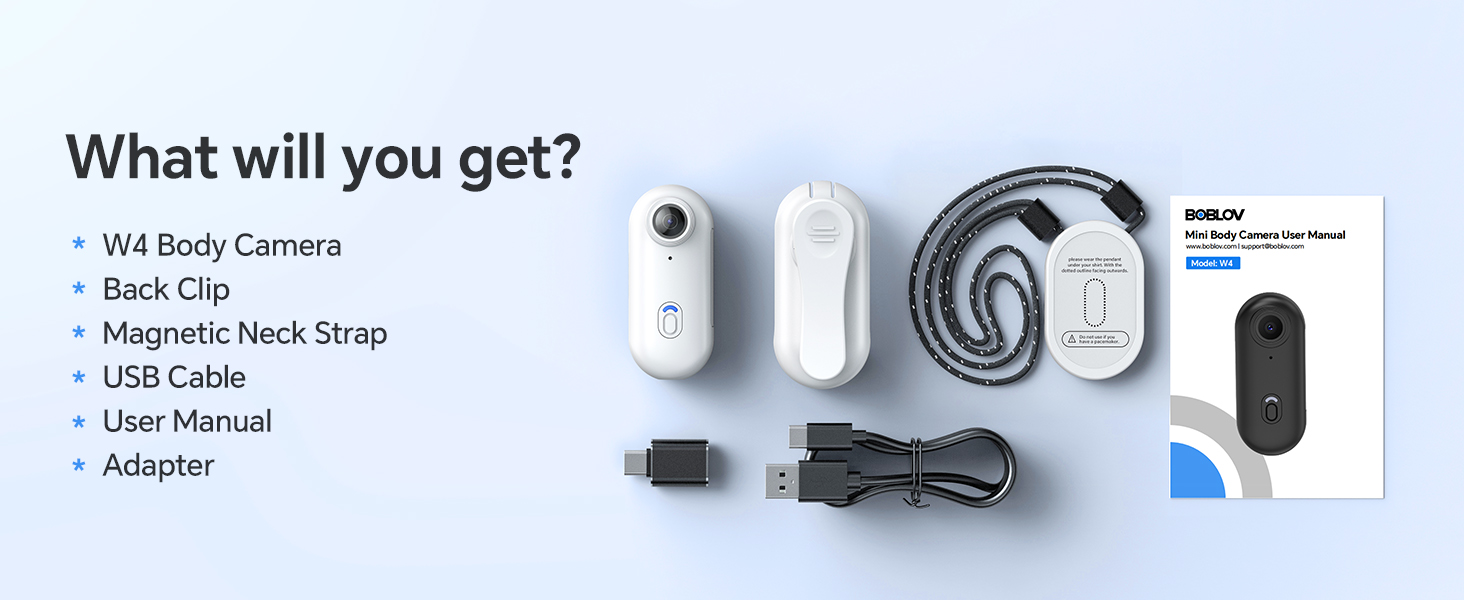
Image: All components included in the BOBLOV W4 package, including the camera, clips, cables, and manual.
សាកថ្មកាមេរ៉ា
- Connect the provided USB cable to the camera's charging port.
- Connect the other end of the USB cable to a power source (e.g., computer USB port or a wall adapter).
- The camera's indicator light will show charging status. Refer to the "Operating" section for light indicators.
- A full charge provides approximately 90 to 120 minutes of continuous 2K recording.

Image: The BOBLOV W4 camera connected via USB cable for charging, illustrating the charging process.
Memory Card (Internal 64GB)
The BOBLOV W4 camera comes with an internal 64GB memory, eliminating the need for an external SD card. This provides ample storage for your 2K video recordings.
ការភ្ជាប់ទៅកុំព្យូទ័រ
ដើម្បីចូលប្រើដែលបានកត់ត្រា files, connect the camera to your computer using the provided USB cable. The camera is compatible with both Windows and Mac operating systems. You can also use the included card reader for direct access to the internal memory if supported by your computer.
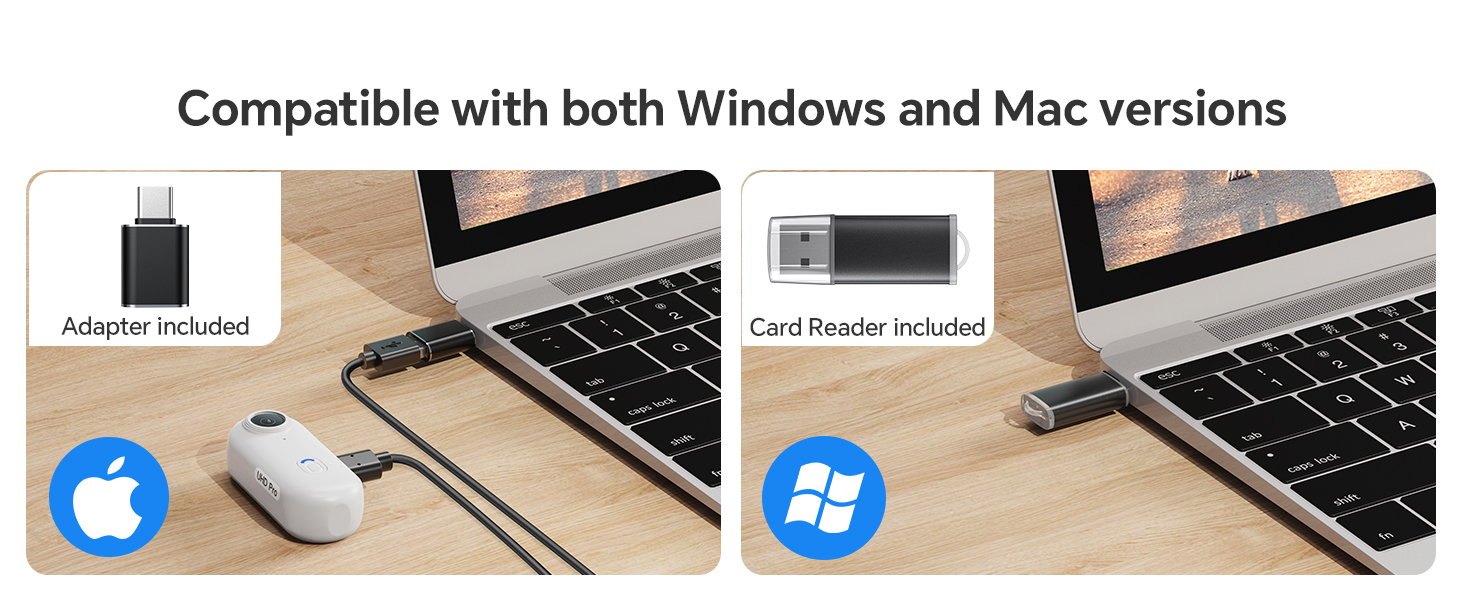
Image: The BOBLOV W4 camera connected to a laptop, demonstrating compatibility with both Windows and Mac systems for data transfer.
សេចក្តីណែនាំប្រតិបត្តិការ
Camera Button Introduction

Image: Diagram illustrating the main video button and low battery warning indicator on the BOBLOV W4 camera.
- ប៊ូតុងវីដេអូ៖
- To start/stop recording in standby mode, press the button briefly. The camera will vibrate and the indicator light will blink blue.
- ការព្រមានអំពីថ្មទាប៖
- When the battery life is less than 15 minutes, the low battery warning status will activate. The red flashing indicator will flash 5 times every 5 minutes.
Wearing Options
The W4 camera offers versatile wearing options for hands-free recording:
- With the Back Clip: Attach the 360° rotatable back clip to your clothing, backpack strap, or other suitable surfaces.
- With the Magnetic Neck Strap: Use the magnetic neck strap for a secure and comfortable fit around your neck, allowing for a first-person perspective.

Image: A person wearing the BOBLOV W4 camera using the back clip, demonstrating its rotatable feature.
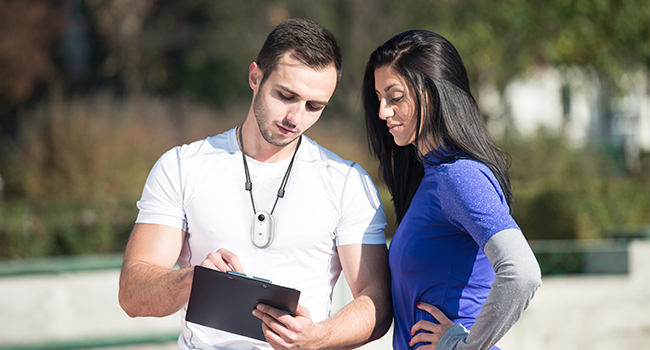
Image: A person wearing the BOBLOV W4 camera with the magnetic neck strap, showing an alternative hands-free carrying method.
ថែទាំ
- ការសម្អាត៖ Use a soft, dry cloth to clean the camera body. For the lens, use a specialized lens cleaning cloth. Avoid abrasive materials or harsh chemicals.
- ការផ្ទុក៖ ទុកកាមេរ៉ានៅកន្លែងត្រជាក់ស្ងួត ឆ្ងាយពីពន្លឺព្រះអាទិត្យដោយផ្ទាល់ និងសីតុណ្ហភាពខ្លាំង។
- ការថែរក្សាថ្ម៖ For optimal battery life, avoid fully discharging the battery frequently. Charge the camera regularly, even if not in use, to maintain battery health.
- ការគ្រប់គ្រងទិន្នន័យ៖ Regularly transfer important recordings to a computer or external storage device to prevent data loss and free up internal memory.
ការដោះស្រាយបញ្ហា
| បញ្ហា | មូលហេតុដែលអាចកើតមាន | ដំណោះស្រាយ |
|---|---|---|
| កាមេរ៉ាមិនបើកទេ។ | Low battery or camera frozen. | Charge the camera for at least 30 minutes. If still unresponsive, try resetting by holding the power button for 10 seconds. |
| មិនអាចថតវីដេអូបានទេ។ | Insufficient battery or memory. | Ensure the camera is sufficiently charged. Check if the internal 64GB memory is full and transfer files ដើម្បីបង្កើនទំហំទំនេរ។ |
| គុណភាពវីដេអូអន់។ | Dirty lens or low light conditions. | Clean the camera lens with a soft cloth. Ensure adequate lighting for optimal 2K recording. |
| កុំព្យូទ័រមិនស្គាល់កាមេរ៉ាទេ។ | Faulty USB cable or driver issue. | Try a different USB port or cable. Ensure your computer's operating system is up to date. Restart both the camera and computer. |
លក្ខណៈបច្ចេកទេស

Image: Diagram showing the compact size and lightweight design (50g) of the BOBLOV W4 camera.
- ម៉ាក៖ បូបូលីវ
- ម៉ូដែល៖ W4
- គុណភាពថតវីដេអូ៖ 2K (2560x1440)
- បច្ចេកវិទ្យាឧបករណ៍ចាប់សញ្ញារូបភាព៖ CMOS
- ប្រភេទអង្គចងចាំពន្លឺ៖ Micro SD (Internal 64GB)
- ទម្រង់ថតវីដេអូ៖ ម៉ូវ
- ទ្រង់ទ្រាយអូឌីយ៉ូដែលត្រូវគ្នា៖ AAC, MP3, PCM
- បច្ចេកវិទ្យាតភ្ជាប់៖ ខ្សែ (យូអេសប៊ី)
- លក្ខណៈពិសេស៖ Lightweight, One-Click Recording
- កម្រិតធន់នឹងទឹក៖ មិនធន់នឹងទឹក។
- ស្ថេរភាពរូបភាព៖ ទេ
- កត្តាទម្រង់៖ Ultra compact
- រយៈពេលថ្ម៖ 90-120 minutes (continuous recording)
- ប្រភេទថ្ម៖ 800 mAh (1 A battery included)
- ប្រវែងប្រសព្វអតិបរមា៖ 6.8
- ប្រវែងប្រសព្វអប្បបរមា៖ 6.8
- ប្រភេទកែវថត៖ មុំធំទូលាយ
- ប្រភេទផ្តោត៖ ការផ្តោតអារម្មណ៍ថេរ
- Maximum Screen Resolution: 2K
- Installed Flash Memory Size: 63 ជីកាបៃ
- ឧបករណ៍ដែលត្រូវគ្នា៖ Computer, Smartphone
- ការប្រើប្រាស់ដែលបានណែនាំ៖ Outdoor Security, Personal Recording
- Final Resolution: 2.1 MP
- របៀបថត៖ Automatic, Hands-free
- សមាមាត្ររូបភាព៖ ១៦:៩
- ប្រភេទគ្រប់គ្រងការប៉ះពាល់៖ ស្វ័យប្រវត្តិ
- គុណភាពបង្ហាញវីដេអូដែលមានប្រសិទ្ធភាព៖ ២៥៩២ ភីកសែល (Note: While marketed as 2K, effective video resolution is listed as 1080 Pixels in some specifications.)
ព័ត៌មានធានា
BOBLOV provides a 24-month product coverage for registered BOBLOV supporters. Please retain your proof of purchase for warranty claims. For detailed warranty terms and conditions, refer to the official BOBLOV webគេហទំព័រ ឬទាក់ទងផ្នែកជំនួយអតិថិជន។
ជំនួយអតិថិជន
For any technical assistance, product inquiries, or support, BOBLOV offers a quick response within 24 hours and lifetime technical support. Please visit the official BOBLOV website for contact information or refer to the included user manual for specific support channels.
Official BOBLOV Webគេហទំព័រ៖ www.boblov.com (ចំណាំ៖ នេះគឺជាកន្លែងដាក់ URL, please verify the actual webតំបន់បណ្តាញ។ )