
1. ព័ត៌មានសុវត្ថិភាពសំខាន់ៗ
Please read these safety instructions carefully before operating your TV and retain them for future reference. Always follow basic safety precautions to reduce the risk of fire, electric shock, and injury.
- ថាមពល៖ Connect the TV to an AC power outlet only. Do not overload wall outlets. Ensure the power cord is not damaged or pinched.
- ខ្យល់ចេញចូល៖ Do not block ventilation openings. Install the TV in a location with adequate airflow.
- ការសម្អាត៖ ផ្តាច់ទូរទស្សន៍មុនពេលសម្អាត។ ប្រើក្រណាត់ទន់ស្ងួត។ កុំប្រើថ្នាំសម្អាតរាវ ឬថ្នាំបាញ់អេរ៉ូសូល។
- ទឹក និងសំណើម៖ កុំដាក់ទូរទស្សន៍ឱ្យត្រូវភ្លៀង ឬសំណើម។ កុំដាក់វត្ថុដែលពោរពេញដោយវត្ថុរាវនៅលើទូរទស្សន៍។
- ស្ថេរភាព៖ Ensure the TV is placed on a stable surface or securely mounted to prevent it from falling.
2. អ្វីដែលរួមបញ្ចូល
ផ្ទៀងផ្ទាត់ថាសមាសធាតុទាំងអស់មាននៅក្នុងការវេចខ្ចប់៖
- LG 55QNED85T 55-inch 4K QNED Smart TV
- Base (Stand)
- ខ្សែថាមពលដែលអាចផ្ដាច់បាន។
- Magic Remote (MR 24Y)
- ថ្ម AA x 2
3. រៀបចំ
3.1 ការវេចខ្ចប់
Carefully remove the TV and all accessories from the packaging. It is recommended to keep the packaging materials for future transport or service needs.
3.2 ការដំឡើងឈរ
ដើម្បីដំឡើងទូដាក់ទូរទស្សន៍៖
- ដាក់ទូរទស្សន៍ឱ្យមុខចុះលើផ្ទៃរាបស្មើ ដើម្បីការពារការខូចខាតអេក្រង់។
- តម្រឹមសមាសធាតុឈរជាមួយនឹងរន្ធដែលត្រូវគ្នានៅខាងក្រោមទូរទស្សន៍។
- ធានាកន្លែងឈរដោយប្រើវីសដែលបានផ្តល់។ ត្រូវប្រាកដថាវីសទាំងអស់ត្រូវបានរឹតបន្តឹងយ៉ាងរឹងមាំ។

ខាងមុខ view of the LG 55QNED85T 55-inch 4K QNED Smart TV with its stand installed.

ចំហៀង view of the LG 55QNED85T 55-inch 4K QNED Smart TV showing its slim profile ហើយឈរ។
3.3 ការដំឡើងជញ្ជាំង (ស្រេចចិត្ត)
If you choose to wall mount your TV, refer to the instructions provided with your wall mount bracket. Ensure the bracket is compatible with VESA standards for your TV model and installed by a qualified professional.
3.4 ការភ្ជាប់គ្រឿងកុំព្យូទ័រ
Connect external devices such as set-top boxes, gaming consoles, or sound systems to the TV's ports. The TV features HDMI, USB, Ethernet, Bluetooth, and Wi-Fi connectivity.

ខាងក្រោយ view of the LG 55QNED85T 55-inch 4K QNED Smart TV showing various input and output ports.
3.5 ការតភ្ជាប់ថាមពល
After connecting all desired devices, plug the detachable power cable into the TV's power input and then into a wall outlet.
3.6 ការដំឡើងដំបូង
Upon first power-on, the TV will guide you through the initial setup process. This includes selecting your language, connecting to a network (Wi-Fi or Ethernet), and scanning for channels.
ប្រតិបត្តិការទូរទស្សន៍របស់អ្នក
4.1 Magic Remote (MR 24Y)
The LG Magic Remote allows for intuitive control of your TV. It functions like an air mouse, allowing you to point and click. It also features a dedicated AI button for smart functions.

The LG AI Magic Remote offers dedicated buttons and features for AI functions, including AI Chatbot, AI Concierge, AI Search, AI Picture Wizard, AI Voice ID, and AI Sound Wizard.
4.2 Webមុខងារឆ្លាតវៃ OS 24
ទូរទស្សន៍ LG QNED របស់អ្នកដំណើរការ webOS 24, offering a smart and user-friendly interface. Key features include:
- LG ThinQ AI៖ Integrated artificial intelligence for enhanced control and personalization.
- Amazon Alexa ដែលភ្ជាប់មកជាមួយ៖ ប្រើពាក្យបញ្ជាសំឡេងសម្រាប់មុខងារទូរទស្សន៍ផ្សេងៗ និងការគ្រប់គ្រងផ្ទះឆ្លាតវៃ។
- Intelligent Voice Recognition: Control your TV and search for content using your voice.
- App Remote Control (LG ThinQ): Control your TV from your smartphone using the LG ThinQ app.
- AI Concierge៖ Provides personalized keyword suggestions and recommendations based on your viewនៅក្នុងប្រវត្តិសាស្រ្ត

The AI Concierge feature provides personalized keyword suggestions and recommendations based on your search and viewនៅក្នុងប្រវត្តិសាស្រ្ត
- AI ស្វែងរក៖ Offers personalized recommendations for your queries and additional solutions with Microsoft Copilot.

AI Search provides personalized recommendations for your queries and can integrate with Microsoft Copilot for additional solutions.
- លេខសម្គាល់សំឡេង AI៖ Recognizes each user's vocal signature and offers personalized recommendations as you speak.

AI Voice ID recognizes individual user voices to provide personalized content recommendations.
4.3 ការកំណត់រូបភាព
Your QNED TV combines Quantum Dot and NanoCell technologies for vibrant and accurate colors. The α8 AI Processor Gen 2 optimizes picture quality.
- QNED Dynamic Colors: LG's wide color gamut technology provides enhanced color reproduction.
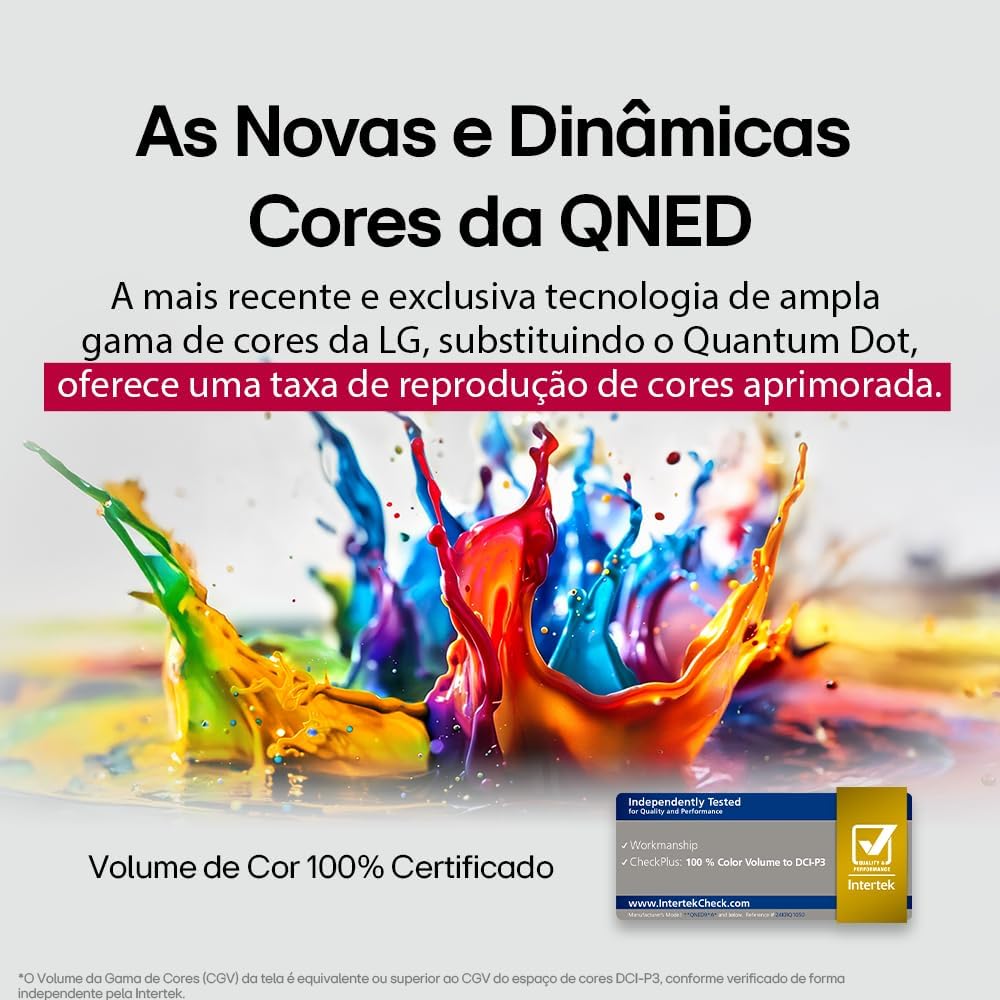
LG's QNED technology delivers new and dynamic colors, offering an improved color reproduction rate with 100% Certified Color Volume to DCI-P3.
- MiniLED: This technology enhances sharpness and provides superior contrast for an immersive viewបទពិសោធន៍។
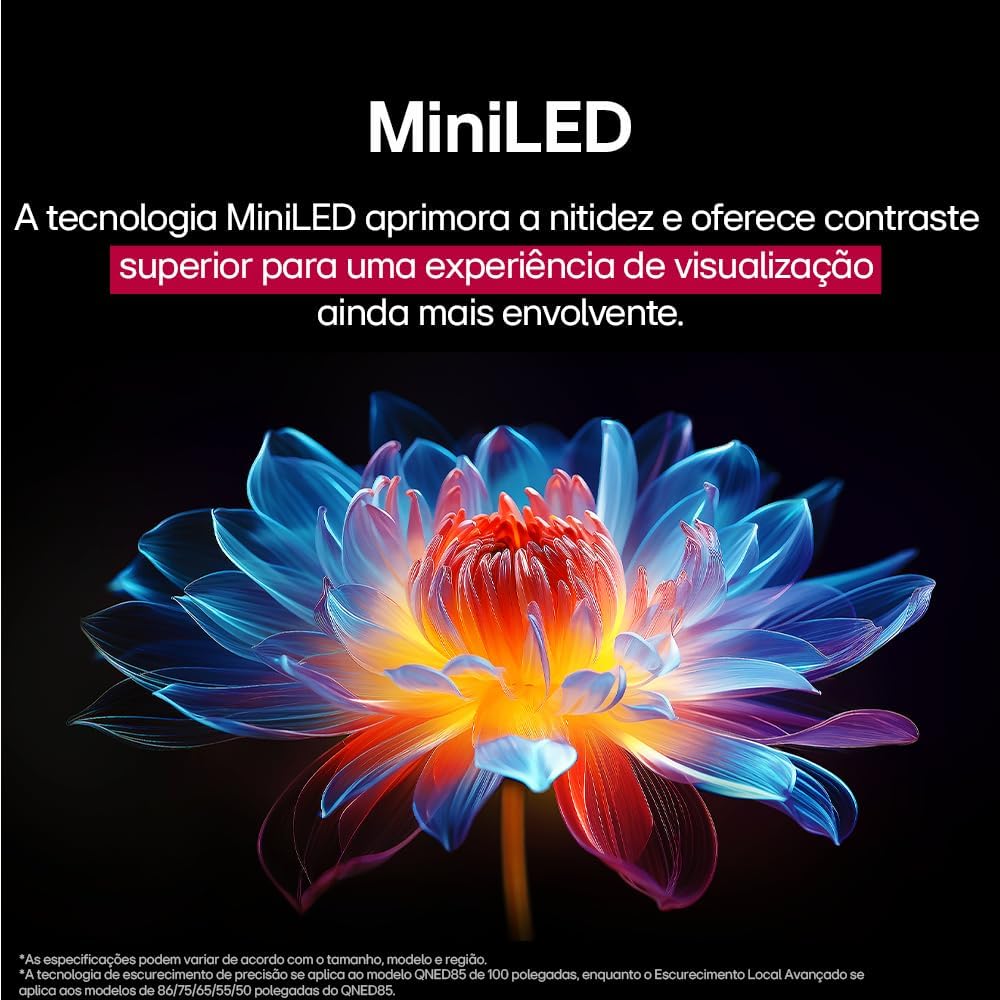
MiniLED technology improves sharpness and offers superior contrast for an immersive viewបទពិសោធន៍។
- α8 AI Processor Gen 2: This processor enhances 4K visuals with impressive colors and brightness.
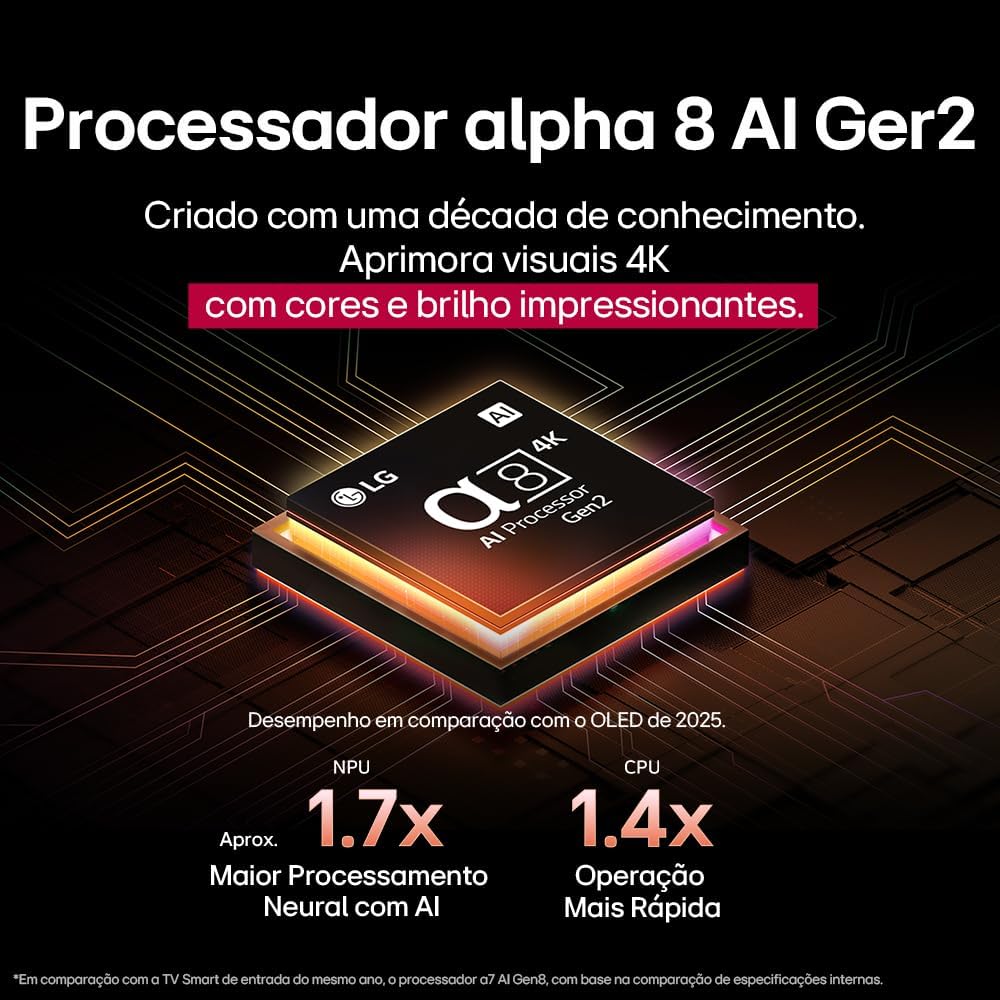
The Alpha 8 AI Processor Gen 2 enhances 4K visuals with impressive colors and brightness, offering approximately 1.7x greater neural processing with AI and 1.4x faster operation compared to previous generations.
- AI Picture Pro៖ Analyzes each frame, enhancing resolution, brightness, depth, and clarity to bring every scene to life.

AI Picture Pro analyzes each frame, enhancing resolution, brightness, depth, and clarity to bring every scene to life.
4.4 ការកំណត់សំឡេង
The TV includes AI Sound Wizard features to optimize audio output based on your environment and content.
4.5 ការតភ្ជាប់
ទូរទស្សន៍របស់អ្នកគាំទ្រជម្រើសតភ្ជាប់ជាច្រើន៖
- វ៉ាយហ្វាយ៖ Connect to your home wireless network for internet access and smart features.
- អ៊ីសឺរណិត៖ Use a wired connection for stable internet access.
- HDMI៖ ភ្ជាប់ឧបករណ៍ដែលមាននិយមន័យខ្ពស់ដូចជា អ្នកលេង Blu-ray កុងសូលហ្គេម និងរបារសំឡេង។
- USB៖ ចាក់មេឌៀ files ពីឧបករណ៍ផ្ទុក USB ។
- ប៊្លូធូស៖ Connect wireless headphones, speakers, or other compatible devices.
4.6 លក្ខណៈពិសេសហ្គេម
The LG 55QNED85T is equipped with features for an enhanced gaming experience:
- 120Hz Panel: Provides smoother motion for fast-paced games.
- FreeSync៖ Reduces screen tearing and stuttering when connected to compatible gaming devices.
5. ការថែទាំ
5.1 ការសម្អាត
- អេក្រង់៖ ជូតអេក្រង់ថ្នមៗដោយក្រណាត់ទន់ និងគ្មានជាតិសរសៃ។ សម្រាប់សញ្ញារឹងរូសស្រាល ឃampដាក់ក្រណាត់ជាមួយទឹក ឬឧបករណ៍សម្អាតអេក្រង់ឯកទេស (កុំបាញ់ដោយផ្ទាល់លើអេក្រង់)។
- ស៊ុមនិងឈរ៖ ជូតដោយក្រណាត់ទន់ស្ងួត។
- ការបញ្ជាពីចម្ងាយ៖ Use a soft, dry cloth to clean the remote.
5.2 ការធ្វើបច្ចុប្បន្នភាពកម្មវិធី
Your TV may receive software updates to improve performance and add new features. You can usually check for and install updates through the TV's settings menu (Settings > General > About This TV > Check for Updates).
6. ការដោះស្រាយបញ្ហា
ប្រសិនបើអ្នកជួបប្រទះបញ្ហាជាមួយទូរទស្សន៍របស់អ្នក សូមមើលដំណោះស្រាយទូទៅខាងក្រោម៖
| បញ្ហា | ដំណោះស្រាយដែលអាចកើតមាន |
|---|---|
| គ្មានថាមពល | សូមពិនិត្យមើលថាតើខ្សែភ្លើងត្រូវបានភ្ជាប់យ៉ាងរឹងមាំទៅនឹងទូរទស្សន៍ និងព្រីភ្លើងជញ្ជាំងឬអត់។ ត្រូវប្រាកដថាព្រីភ្លើងដំណើរការល្អ។ |
| គ្មានរូបភាព ប៉ុន្តែសំឡេងមានវត្តមាន | Check the input source. Ensure external devices are powered on and connected correctly via HDMI. |
| គ្មានសំឡេង ប៉ុន្តែរូបភាពមានវត្តមាន | Check the volume level and mute status. Verify audio output settings (e.g., internal speakers, external soundbar). |
| ការបញ្ជាពីចម្ងាយមិនដំណើរការទេ។ | Replace the batteries. Ensure there are no obstructions between the remote and the TV. Re-pair the Magic Remote if necessary. |
| បញ្ហានៃការតភ្ជាប់បណ្តាញ | ចាប់ផ្ដើមរ៉ោតទ័រ និងម៉ូដឹមរបស់អ្នកឡើងវិញ។ ពិនិត្យមើលពាក្យសម្ងាត់ Wi-Fi។ សាកល្បងការតភ្ជាប់អ៊ីសឺរណិតដែលមានខ្សែប្រសិនបើអាច។ |
| បញ្ហាគុណភាពរូបភាព | កែតម្រូវការកំណត់រូបភាព (ពន្លឺ កម្រិតពណ៌ ភាពច្បាស់)។ ត្រូវប្រាកដថាប្រភពបញ្ចូលកំពុងផ្តល់សញ្ញាគុណភាពខ្ពស់។ |
If the problem persists, try performing a factory reset (refer to the TV's settings menu) or contact LG customer support.
7. លក្ខណៈបច្ចេកទេស
Detailed specifications for the LG 55QNED85T 55-inch 4K QNED Smart TV:
| លក្ខណៈ | ការបញ្ជាក់ |
|---|---|
| ទំហំអេក្រង់ | ៣៩៣ អ៊ីញ |
| ម៉ាក | LG |
| បច្ចេកវិទ្យាបង្ហាញ | LED (QNED, MiniLED) |
| ដំណោះស្រាយ | 4K (3840 x 2160) |
| អត្រាធ្វើឱ្យស្រស់ | 120 ហឺត |
| លក្ខណៈពិសេស | QNED Dynamic Colors, MiniLED, α8 AI Processor Gen 2 |
| បច្ចេកវិទ្យាតភ្ជាប់ | ប៊្លូធូស អ៊ីសឺរណិត HDMI យូអេសប៊ី វ៉ាយហ្វាយ |
| សមាមាត្រ | ១៦:៩ |
| វិមាត្រផលិតផល (DxWxH) | 25.7D x 123.6W x 78.3H centimeters (with stand) |

Dimensions of the LG 55QNED85T 55-inch TV. Indicated values and actual measurements may differ.
8. ការធានា និងការគាំទ្រ
Your LG 55QNED85T Smart TV comes with a manufacturer's warranty. Please refer to the warranty card included in your product packaging for specific terms and conditions.
សម្រាប់ការគាំទ្របច្ចេកទេស សេវាកម្ម ឬការទាមទារការធានា សូមទាក់ទងសេវាកម្មអតិថិជន LG តាមរយៈគេហទំព័រផ្លូវការរបស់ពួកគេ។ webគេហទំព័រ ឬព័ត៌មានទំនាក់ទំនងដែលមាននៅក្នុងឯកសារធានារបស់អ្នក។