
1. សេចក្តីផ្តើម
Welcome to the FLSUN Super Racer SR 3D Printer user manual. This document provides essential information for the safe and efficient operation of your new FDM Delta 3D printer. Please read this manual thoroughly before operating the device to ensure proper setup, usage, and maintenance.
2. ព័ត៌មានសុវត្ថិភាព
- តែងតែដំណើរការម៉ាស៊ីនបោះពុម្ពនៅកន្លែងដែលមានខ្យល់ចេញចូលបានល្អ។
- Keep the printer away from flammable materials, children, and pets.
- Do not touch the hot nozzle or heated bed during operation to avoid burns.
- Ensure the power supply is correctly connected and grounded.
- សូមដកឌុយម៉ាស៊ីនបោះពុម្ពចេញ មុនពេលអនុវត្តការថែទាំ ឬការសម្អាតណាមួយ។
- Use only recommended filament types and sizes (1.75mm PLA).
3. មាតិកាកញ្ចប់
ផ្ទៀងផ្ទាត់ថាធាតុទាំងអស់ដែលបានរាយខាងក្រោមត្រូវបានរួមបញ្ចូលនៅក្នុងកញ្ចប់របស់អ្នក៖
- FLSUN Super Racer (SR) 3D Printer x 1
- Toolkit (Wrench, screwdriver, wire cutters, spatula, Touch Screen Bracket, Heating Rod, Thermistor, Grease, etc.) x 1
- Standby nozzle and Nozzle dredge needle x 1
- PLA Test filament (200g) x 1
- ប្រើសៀវភៅណែនាំ x 1
- Materials rack x 1
- SD Card x 1 & Reader x 1
4. ការណែនាំអំពីការដំឡើង
4.1 ការវេចខ្ចប់ និងការដាក់
Carefully remove all components from the packaging. Place the FLSUN Super Racer on a stable, level surface in a well-ventilated area. Ensure there is enough space around the printer for operation and maintenance.
4.2 សភាដំបូង
The FLSUN Super Racer comes largely pre-assembled. Refer to the included "Use Manual" for detailed steps on attaching the materials rack and any other minor components.
4.3 ការតភ្ជាប់ថាមពល
Connect the power cable to the printer and then to a grounded electrical outlet. Turn on the power switch located on the printer.
4.4 Automatic Bed Leveling
The FLSUN Super Racer features an automatic leveling system. Navigate to the leveling function on the touch screen and initiate the 27-point accurate leveling process. This ensures optimal print bed calibration for successful prints.
4.5 ការផ្ទុក Filament
Place the PLA test filament (1.75mm) onto the materials rack. Feed the filament into the extruder assembly according to the on-screen instructions or the detailed manual. Ensure the hotend is preheated to the appropriate temperature for PLA before loading.
5. សេចក្តីណែនាំប្រតិបត្តិការ
5.1 First Print
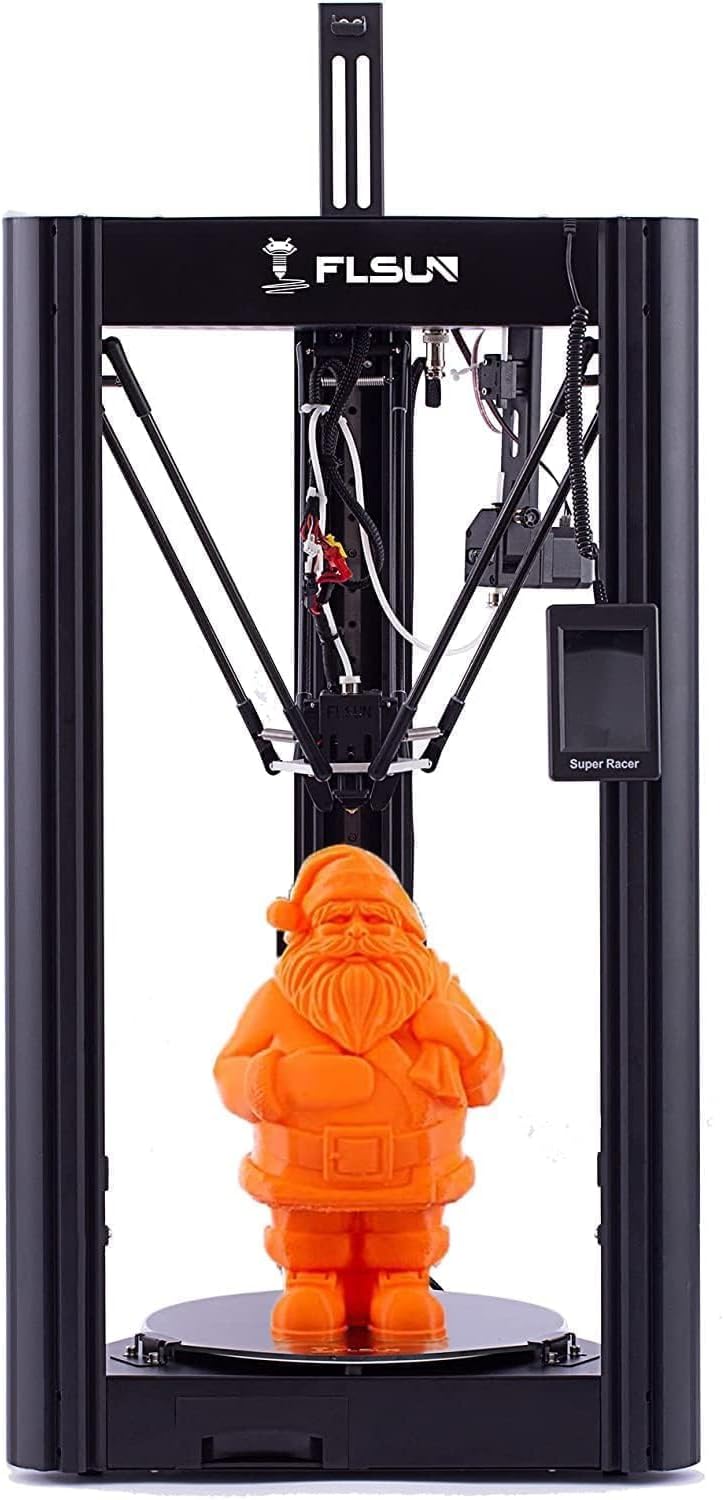
Insert the provided SD card with pre-loaded test models into the printer's SD card slot. Select a model from the touch screen interface and initiate the print. Monitor the first layer to ensure proper adhesion to the print bed.
5.2 ការបោះពុម្ពល្បឿនលឿន
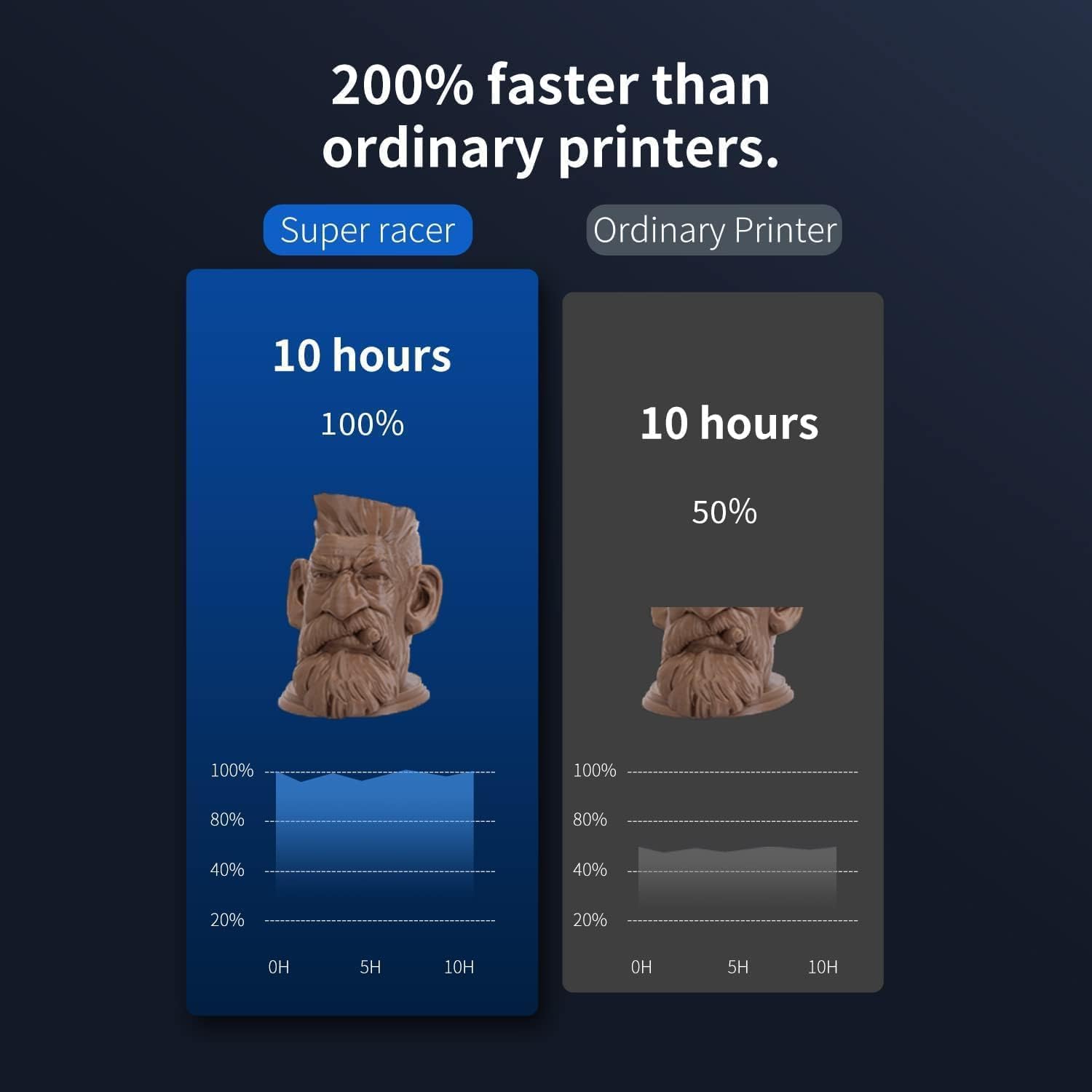
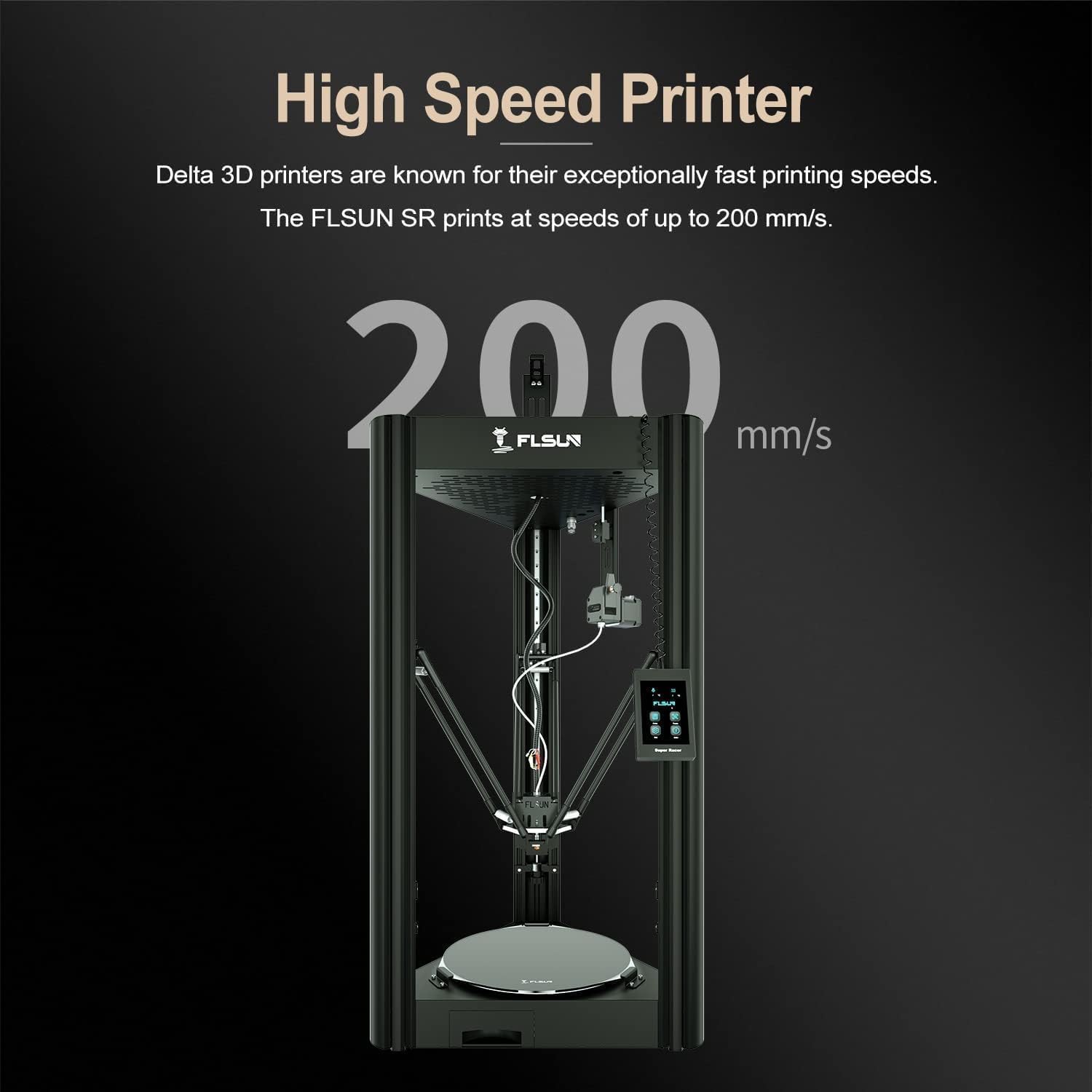
The FLSUN Super Racer is designed for high-speed printing, reaching speeds up to 200mm/s with 2800+ mm/s² acceleration. This is achieved through its three-axis linkage technology and powerful stepper motors. For optimal high-speed results, ensure your slicing software settings are configured appropriately.

5.3 Resume Printing Function
នៅក្នុងព្រឹត្តិការណ៍នៃអំណាច outage, the FLSUN Super Racer is equipped with a resume printing function. The printer will automatically save the current print progress and resume from where it left off once power is restored.
5.4 Large Printing Volume
The printer offers a large build volume of Φ260mm (Diameter) x 330mm (Height), allowing for the creation of larger models.

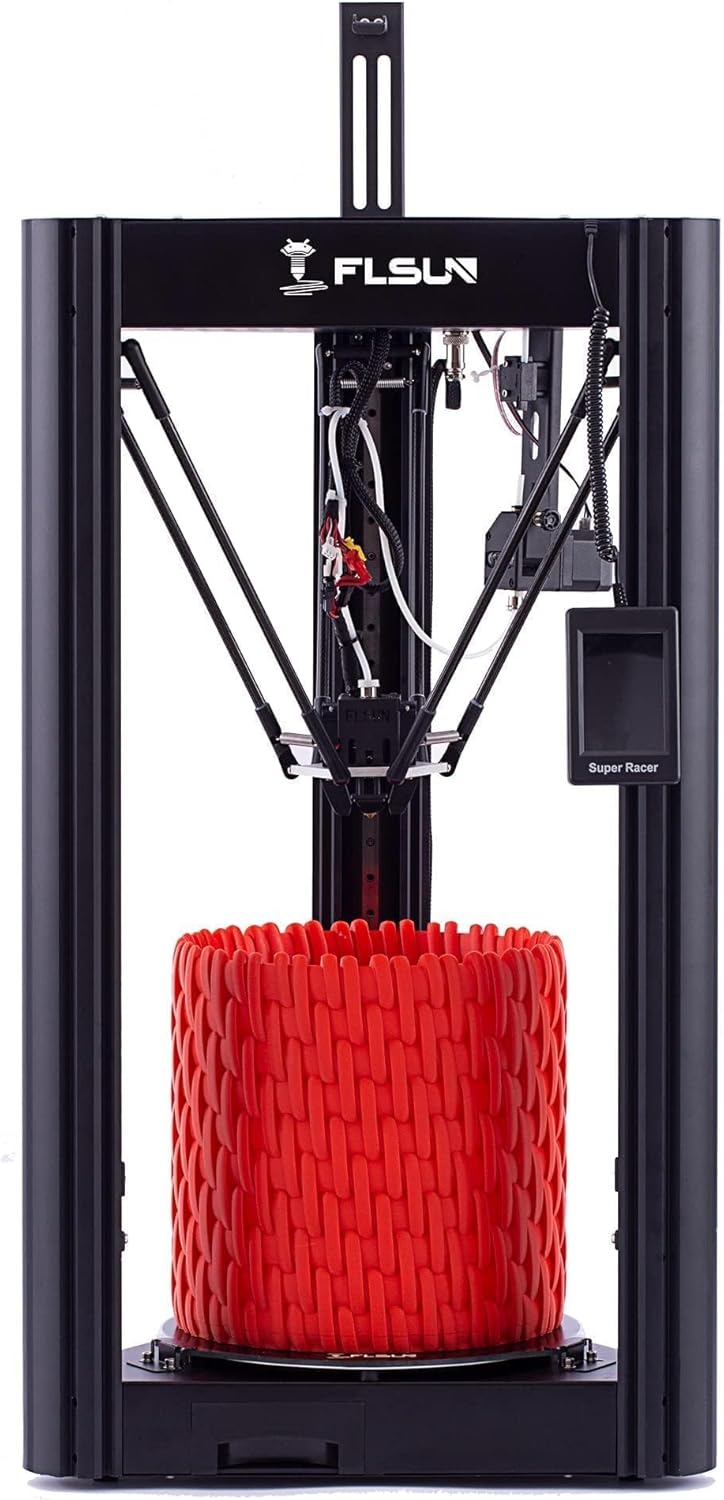
៣.២ ឧample Prints
The FLSUN Super Racer is capable of producing a wide variety of objects, from functional parts to decorative items.


6. ការថែទាំ
6.1 Print Bed Cleaning
After each print, allow the print bed to cool down. Use the provided spatula to carefully remove the printed object. Clean the coated lattice glass platform with isopropyl alcohol to ensure good adhesion for subsequent prints.
6.2 ការថែរក្សា Nozzle
Regularly check the nozzle for clogs or wear. Use the nozzle dredge needle from the toolkit to clear any blockages. Replace the nozzle if it shows signs of significant wear to maintain print quality.
6.3 Linear Rail Guide Care
The high-precision linear rail guides contribute to print accuracy and stability. Periodically apply a small amount of the provided grease to the linear rails to ensure smooth movement and reduce noise.
7. ការដោះស្រាយបញ្ហា
- Print Not Sticking to Bed: Ensure the bed is clean and properly leveled. Adjust Z-offset if necessary. Increase bed temperature slightly if using materials like ABS.
- Filament Clogging: Check the nozzle for blockages. Ensure the hotend temperature is appropriate for the filament. Verify the filament path is clear.
- គុណភាពបោះពុម្ពខ្សោយ៖ Review slicing settings (layer height, print speed, retraction). Ensure the printer is stable and free from vibrations. Check for worn nozzle or loose belts.
- ម៉ាស៊ីនបោះពុម្ពមិនបើក៖ Verify all power connections. Check the power switch.
For further assistance, please refer to the detailed troubleshooting section in the full user manual or contact FLSUN customer support.
8. លក្ខណៈបច្ចេកទេស
| លក្ខណៈ | លម្អិត |
|---|---|
| គំរូ | FLSUN-SR |
| បច្ចេកវិទ្យាបោះពុម្ព | ដេលតា FDM (ការធ្វើគំរូការដាក់បញ្ចូលគ្នា) |
| បង្កើតបរិមាណ | Φ260 x 330 mm (Diameter x Height) |
| ល្បឿនបោះពុម្ពអតិបរមា | 200 mm/s |
| បង្កើនល្បឿនអតិបរមា | 2800+ mm/s² |
| អង្កត់ផ្ចិត Filament | 1.75 ម។ |
| ខ្សែស្រឡាយដែលគាំទ្រ | PLA (and others as specified by manufacturer) |
| ប្រព័ន្ធកម្រិត | Automatic (27-point) |
| បន្តការបោះពុម្ព | Yes (after power outage) |
| គ្រែបោះពុម្ព | Coated Lattice Glass Platform (Removable) |
| វិមាត្រផលិតផល | 15 x 15 x 35 អ៊ីញ (ប្រហាក់ប្រហែល) |
| ទំងន់ធាតុ | 33 ផោន |
9. ការធានា និងជំនួយបច្ចេកទេស
FLSUN provides responsible after-sales service and lifetime technical support for the Super Racer 3D Printer. If you encounter any issues or have questions, please contact FLSUN customer support. They aim to respond within 24 hours.
For specific warranty details, please refer to the warranty card included with your product or visit the official FLSUN webគេហទំព័រ។